
Google Business Profile for Retail Stores: A Practical Setup Checklist
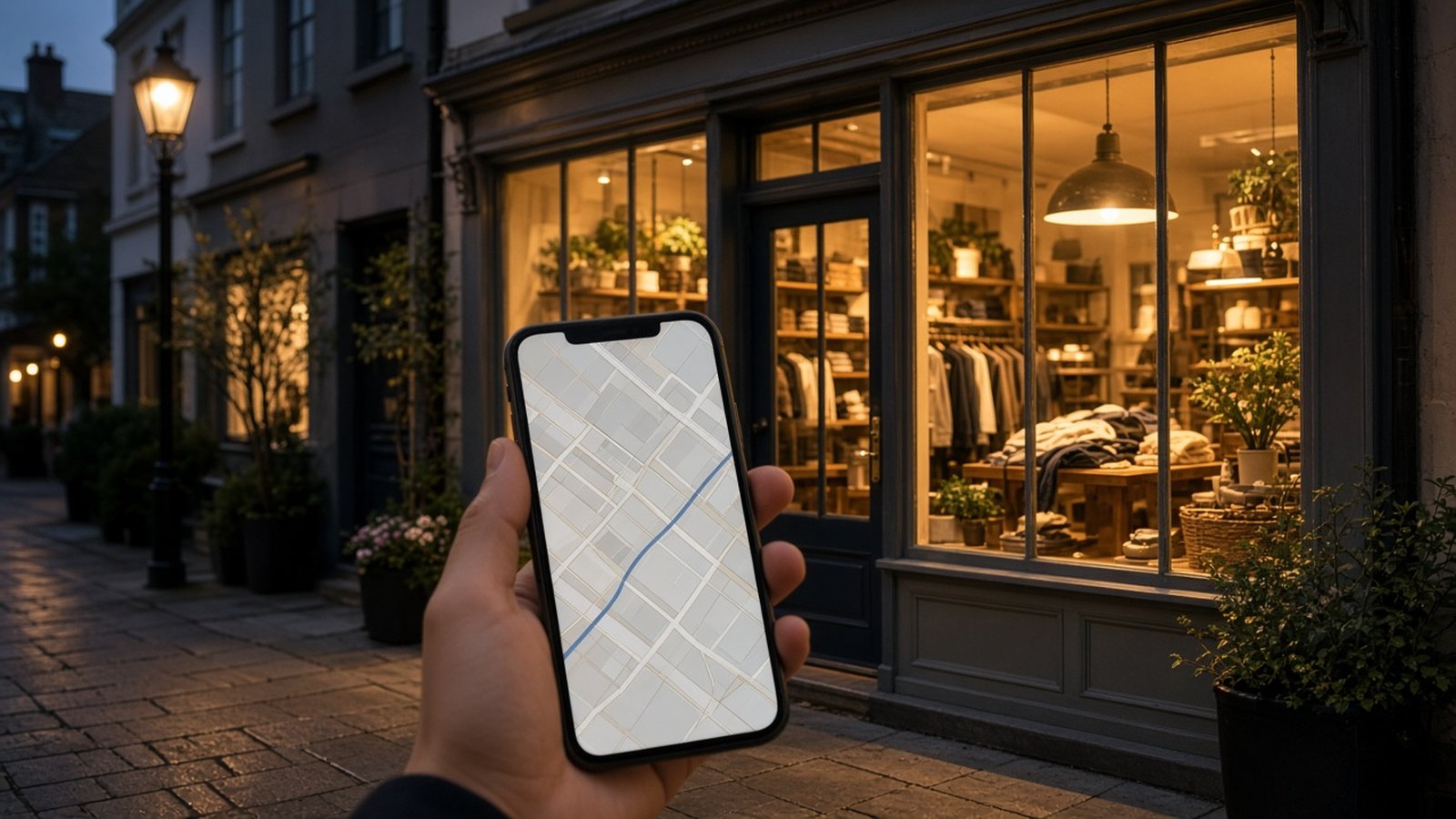
For a brick-and-mortar store, your Google Business Profile is often the first thing a shopper sees. When someone searches for a product category "near me" or looks up your store by name, the profile shows your location, hours, photos, reviews, and a quick way to call or get directions. For many shoppers, it effectively is your storefront before they ever walk through the door.
The good news is that a strong profile does not require a marketing budget, just attention to detail and a few regular habits. Use this checklist to set yours up properly and keep it working for you.
Claim and verify your profile
Start by making sure you control your listing. Search for your store on Google and Google Maps. If a profile already exists, request ownership; if not, create one. Google will ask you to verify that you operate the business, and the method can vary. Complete verification before investing time in the rest, since unverified profiles have limited control.
- Use an email account that the business owns, not a personal one that may leave with an employee.
- Add a second trusted manager so you are never locked out.
- Keep login details in a secure, shared password manager.
Get the basics exactly right
Business name
Use your real-world store name as it appears on your signage. Adding extra keywords to the name can violate Google's guidelines and put your listing at risk.
Address and service area
Enter your address precisely and check that the map pin sits on your actual storefront. If you also deliver locally, you may be able to add a service area as well.
Categories
Your primary category has a big influence on which searches you appear in. Choose the most specific category that describes your store, then add secondary categories for other things you genuinely sell. Look at how similar, successful stores near you are categorized for ideas.
Hours, including special hours
Accurate hours build trust. Nothing frustrates a shopper more than arriving at a locked door. Update special hours ahead of holidays, inventory days, and seasonal changes.
Phone number and website
Use a number that is answered during business hours, and link to the most relevant page on your website, such as your homepage or a store-specific page.
Write a helpful description
Your business description should explain, in plain language, what you sell, who you serve, and what makes your store worth visiting. Mention your main product categories and any services such as repairs, fittings, gift wrapping, or local delivery. Avoid hype and avoid stuffing it with keywords. Write it for a shopper, not a search engine.
Use attributes and services
Attributes let you highlight practical details such as accessibility features, payment options, and in-store services. Available options vary by category and change over time, so review what is offered for your store type and fill in everything that applies. Small details like wheelchair accessibility or curbside pickup can be deciding factors for some shoppers.
Photos that make people want to visit
Photos help shoppers picture the experience before they arrive. Aim for a mix that answers common questions.
- Exterior: Your storefront from the street so people recognize it when they arrive.
- Interior: Wide shots that show the layout and atmosphere.
- Products: Popular items and new arrivals, well lit and in focus.
- Team: With permission, friendly photos of staff at work can add warmth.
Add new photos regularly, especially when you change displays or bring in new stock. If you need help taking better pictures on a small budget, see our guide to product photography on a budget.
Show off your products
Depending on your category and region, Google may let you showcase products directly on your profile. Feature your best sellers, signature items, and seasonal highlights with clear photos, names, and short descriptions. Keep the selection current so shoppers do not ask about items you no longer carry.
Use posts for news and offers
Posts let you share updates such as new arrivals, events, and promotions. They are a simple way to show your profile is active. Plan a light, sustainable rhythm, such as a post when new stock arrives or when you are running a store event, rather than an ambitious schedule you cannot keep up.
Build and respond to reviews
Reviews influence both shoppers and local search visibility. The most reliable way to earn them is simply to ask happy customers.
- Ask at the right moment. After a successful purchase or a helpful conversation, invite the customer to share their experience.
- Make it easy. Share your review link on receipts, in follow-up emails, or with a QR code at the counter.
- Respond to every review. Thank positive reviewers by name where appropriate, and respond to negative reviews calmly and constructively, offering to make things right.
- Never buy or incentivize reviews. It violates platform policies and can damage your reputation.
Monitor and maintain
A profile is never truly finished. Anyone can suggest edits, so check your listing regularly to make sure nothing has been changed incorrectly. Review the performance information Google provides to see how people find you and what actions they take, such as calls and direction requests. Over time, this helps you understand what is working.
Your profile is one part of a bigger picture. It works best alongside a consistent online and in-store experience, which we explore in our guide to omnichannel retail strategies.
Quick checklist
- Profile claimed, verified, and managed by a business-owned account
- Name, address, phone, and website accurate and consistent
- Most specific primary category plus relevant secondary categories
- Regular and special hours up to date
- Clear description, attributes, and services filled in
- Fresh exterior, interior, and product photos
- Steady flow of reviews, with timely responses
- Regular check for unwanted edits
Frequently asked questions
Is a Google Business Profile free?
Yes, creating and managing a Google Business Profile is free.
How often should I update my profile?
Check it at least monthly, and update it whenever your hours, products, or services change. Adding photos and posts regularly keeps it fresh.
Should I respond to negative reviews?
Yes. A calm, helpful reply shows other shoppers that you care and can sometimes resolve the issue.
Can I add keywords to my business name?
No. Use your real business name. Adding keywords can go against Google's guidelines and risk your listing.