Buy Online, Pick Up In Store: A Practical Guide for Small Retailers
Buy online, pick up in store, often shortened to BOPIS or click-and-collect, is one of the most practical ways for a physical shop to compete with large online retailers. Customers get the convenience of shopping online without paying for shipping or waiting for delivery, and you get a reason for them to walk through your door.
It is no longer just for big chains. With modern ecommerce and point-of-sale tools, a small store can offer in-store pickup with a modest amount of setup. This guide covers what you need, how to run it smoothly, and how to get the most out of every pickup.
Why in-store pickup is worth offering
- No shipping costs: Customers avoid delivery fees, and you avoid packing and postage.
- Speed: Shoppers can often collect the same day, which beats most delivery times.
- Foot traffic: Every pickup is a visit, and visits create chances for additional purchases.
- Confidence: Customers know the item is in stock and reserved before they make the trip.
- Local loyalty: It reinforces your role as a convenient neighborhood option.
What you need in place
An online store with pickup enabled
Most popular ecommerce platforms support local pickup as a fulfillment option at checkout. You will typically set your store location, pickup instructions, and the time customers should expect to wait before an order is ready.
Accurate inventory
This is the foundation. If your website says an item is in stock but it has already sold in the store, you will disappoint customers and create extra work. Connecting your point-of-sale system and online store so stock levels update together is essential. Our guide to keeping store and online inventory in sync covers how.
Clear notifications
Customers need to know when their order is confirmed, when it is ready, and what to bring. Automatic email or text notifications from your platform handle most of this.
A pickup spot
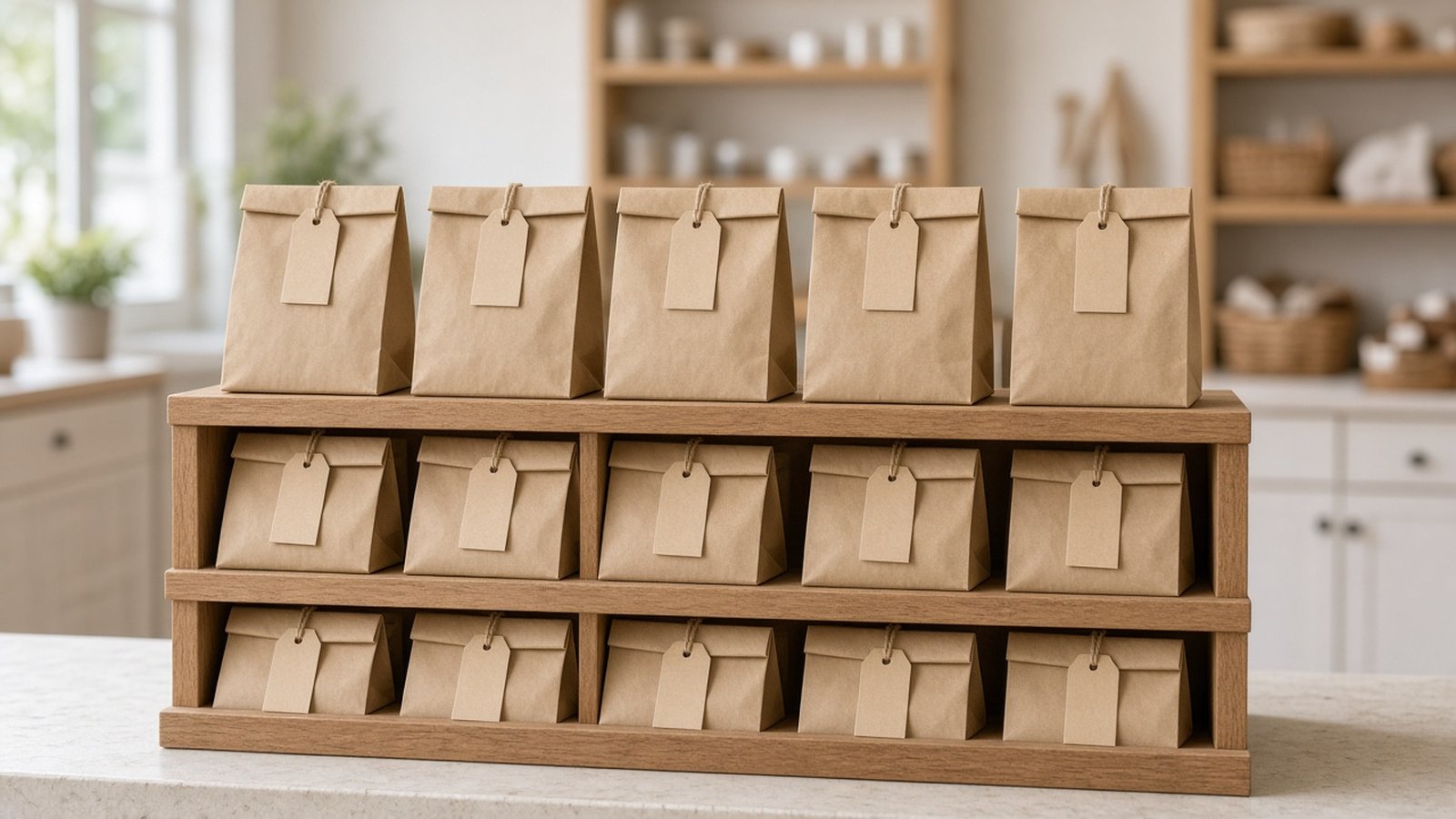
Designate a clear place in your store for pickups, whether a counter, a shelf behind the register, or a dedicated area near the entrance. Signage helps customers find it without asking.
A simple pickup workflow
- Order received: A staff member is notified and checks the order promptly.
- Pick and verify: Locate the items, check quality, and confirm they match the order.
- Pack and label: Bag the order and label it clearly with the customer's name and order number.
- Store safely: Place it in the pickup area, organized so it is easy to find.
- Notify the customer: Mark the order as ready so the customer receives an alert.
- Hand over: Confirm the customer's identity using your chosen method, such as name and order number, before handing over the order.
- Close the order: Mark it as collected in your system.
Write this process down and train every staff member on it, including part-time and seasonal workers. Consistency is what makes pickup feel professional.
Set realistic promises
It is tempting to promise very fast pickup times, but only promise what you can deliver on your busiest day. If your store gets hectic at certain times, build in a buffer. It is better to surprise customers with a ready order than to keep them waiting at the counter.
Decide how long you will hold uncollected orders and what happens after that, and communicate it at checkout and in notifications. A friendly reminder message before the deadline often prompts collection.
Variations to consider
Curbside pickup
Some customers prefer not to come inside, especially for quick errands or when traveling with children. Curbside pickup, where a staff member brings the order out, can be offered alongside in-store pickup if your location allows it.
Reserve online, pay in store
For higher-priced or try-before-you-buy items, letting customers reserve an item to see in person before paying can work well.
Pickup lockers or after-hours collection
Larger stores sometimes use lockers or secure collection points. For a small shop, this may not be necessary, but it is worth considering if many customers work during your opening hours.
Turn pickups into sales
A pickup visit is an opportunity, not just a handoff. Handled well, it can increase the value of each customer.
- Place the pickup area thoughtfully. Positioning it toward the back or near new arrivals encourages browsing, but do not make it so far away that it frustrates people in a hurry.
- Suggest related items. Batteries with electronics, care products with clothing, or a card with a gift. Keep it helpful, not pushy.
- Display small add-ons near the counter. Low-cost, useful items are easy impulse purchases.
- Collect feedback. A quick follow-up message asking how the experience went helps you improve and can encourage reviews.
Measure what matters
Track a few simple numbers over time: how many orders use pickup, how long orders take to be ready, how many are never collected, and how often pickup customers buy additional items in store. These help you refine staffing and spot problems early. For a broader look at using data in a store, see our guide to data analytics in retail.
Promote the service
Customers can only use pickup if they know about it. Mention it on your homepage and product pages, in your Google Business Profile, on signage at the register, and in your email newsletter. Our Google Business Profile checklist explains how to highlight services like this.
Frequently asked questions
Do I need special software to offer in-store pickup?
Usually not. Many ecommerce platforms include local pickup as a built-in option. The key is connecting it to accurate inventory.
How quickly should pickup orders be ready?
Set a promise you can meet consistently, even on busy days. Many small stores aim for same-day readiness when orders arrive during business hours.
What if an item sells out before I fulfill the order?
Contact the customer right away, offer alternatives or a refund, and review how your inventory sync failed so it does not happen again.
Should I charge for pickup?
Most retailers offer it free, since the extra visit and reduced shipping costs usually make it worthwhile.